Page 2 of 2

It can be challenging to find good tutorial-style videos for how to create accessible content. WORD The BrightSpace site offers one of the best video series for an educator-audience. The series is from 2016 so features may display differently, depending… Continue Reading →

Unfamiliarity with how to read and write for web accessibility represents a form of illiteracy whereby the disservice, injustice or exclusion that extends from the illiteracy is not felt by the person who is illiterate, but by already marginalized communities… Continue Reading →

It’s important to remember that web accessibility is determined by multiple factors. Developers and designers are responsible for building web accessibility into the code and design of a web site. Content creators – educators and students included – are responsible for seeking… Continue Reading →
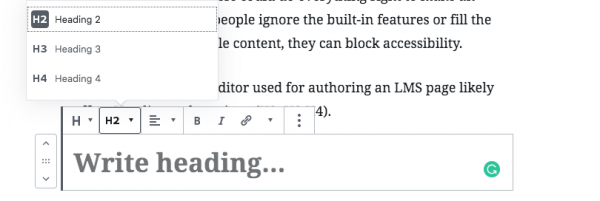
Whether you use a Learning Management System (LMS) to support face-to-face, blended or fully online courses, there are three things you need to know about making the course digitally accessible. 1. Find out what the accessibility features and challenges are… Continue Reading →
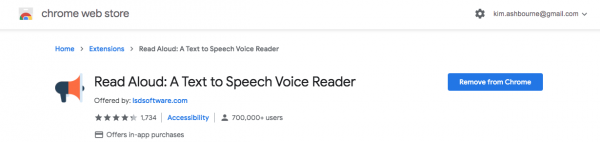
Text-to-speech (TTS) technology can be used by anyone to read-aloud the text displayed on their desktop and mobile devices. Why use TTS? There are many reasons why someone might use a text to speech tool. I currently have a double… Continue Reading →