Text-to-speech (TTS) technology can be used by anyone to read-aloud the text displayed on their desktop and mobile devices.
Why use TTS?
There are many reasons why someone might use a text to speech tool.
- I currently have a double vision problem, and reading is possible but exhausting so I have been trying out TTS tools to take over when my eyes can’t take it anymore.
- Many TTS tools highlight the words as they are being read aloud. Additional language learners, early readers and students with reding challenges might opt to use a TTS tool to help them hear (and comprehend) the words they are reading. Read more about how young people use TTS for school.
- Anyone can use TTS to essentially convert a lengthy article into a podcast that they can listen to on a walk or while doing dishes. It is a great example of how accessibility technology can improve universal access to content.
One to try: Read Aloud
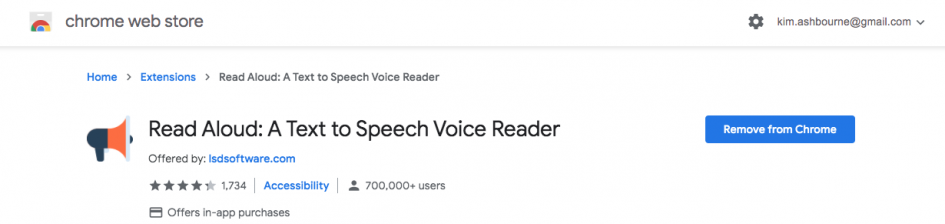
Goolge offers a free, basic text-to-speech add-on for Chrome and Firefox that anyone can download. It is the Read Aloud extension. Read Aloud has options to slow down and speed up the reading voice, and even select from different voices.

Launching Read Aloud opens a dialogue box that shows the user the specific text from the page that is being read aloud. I like this feature because as a sighted person, I can track back to see what was just said if I missed hearing something, or didn’t catch a name or something that may have been pronounced in an unfamiliar way. I don’t have to rewind, I can visually scan to see what I missed.
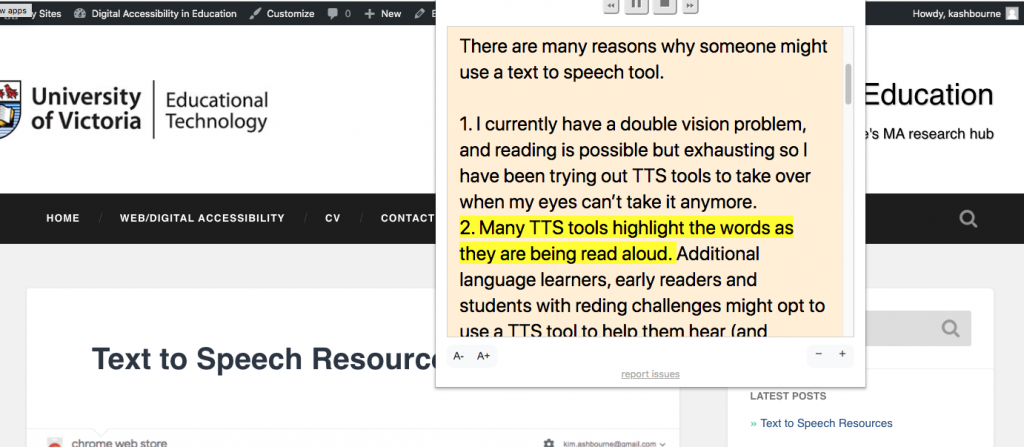
The tool is a bit clunky but it is intuitive and free so it’s a good one to try out if you want to get the experience of using TTS technology, or if you want to test if your digital content is able to be read correctly by TTS technology. (Unfortunately, not all pages can be read by this tool, including – at the time of printing – Google’s own page promoting the Read Aloud add-on.)
1 Pingback