
For IED 336, we will be using the Open and Educational Technology Collective, hosted by a team of B.C. post-secondary education IT professionals on BCNet’s Educloud, so your data is stored not only in Canada but within B.C.
There is a two-step process to create your blog:
- Create an account on the OpenEd.ca website with your UVic email address.
- Request that an OpenEd.ca website be set up for you (which we will do tomorrow)
Please follow the following steps to create an account, and tomorrow we’ll setup your website:
1. Go to opened.ca and click ‘Get Started’ menu item.
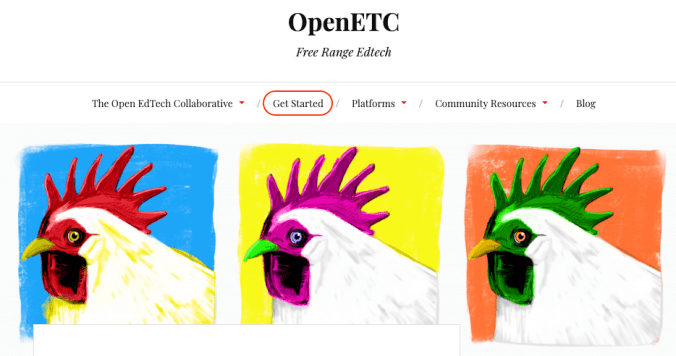
2. Click the red ‘Get started’ button.

3. Create an Opened username only (not an Opened site yet).

4. Complete the form.
- Remember, if you want to be anonymous, you can use a pseudonym.
- You MUST use your own UVic email (…@uvic.ca email address. Do not use edtechadmin).
- Make sure you choose ‘Just a username, please.’
- Click ‘Next’

STOP NOW – Do something else, and check your @UVIC.ca email in about 10 minutes.
- Sometimes the confirmation email takes a few minutes, if you don’t see it in 10-15 minutes, check your spam/junk folder.

5. Activate your username.
- The email will come from ‘OpenETC Administrator’ and will contain a link that you must follow to activate your account.

6. Then you’ll get another email.
- Click ‘Log in’.

7. Log in to WordPress.
- Use the username and password that were included in the confirmation email.

If you are having any problems, please ask Rich for assistance.
8. Tomorrow we will setup our websites

Leave a Reply