Overview
So, you’ve followed Mayer’s principles and created some visual aids for your learning materials – but are they effective? Are they engaging? Are they contributing to learning? Are they accessible to a wide range of users? In this module we take a closer look at multimedia through the lens of accessibility. Inclusive Design Principles and the Universal Design for Learning guidelines will help you develop strategies for adding accessibility to your workflow so that inclusion is built into your media and multimedia learning design.
There are also some practical web accessibility guidelines and graphic design principles to apply to the planning, design, and creation of effective learning materials for print, online or blended learning environments.
Learning Outcomes
By the end of this module you will be able to:
- Describe the difference between equality and equity
- Describe three design principles aimed at creating inclusive experiences
- List five factors in the design of text, images and video that impact accessibility
- Describe a workflow change to media or multimedia design and development that would improve accessibility
- Identify the three grounding principles of Universal Design for Learning (UDL)
- Apply a principle of Universal Design for Learning to a media or multimedia learning object design
Read/Watch
- How Captions Increase ROI and Audience for Media Creators (8 min) – Who benefits from accessibility modifications? And what are some design choices that benefit everyone?
- Making Videos Accessible: DO-IT Video (washington.edu)(10 min) – An introduction to the accessibility features that can be built into online video.
- Inclusive Design for Social Media: Tips for Creating Accessible Channels (hootsuite.com) (10 min) – Practical advice on how to avoid excluding people using assistive technologies from your social media sites – applicable to many other forms of media (ignore the sales pitch)
- Creating Accessible Text (7 min) – A demonstration of how to make digital text more accessible to screen readers.
- Universal Design for Learning (7 min) – An introduction to UDL and its use in the classroom
- How to Avoid Death By PowerPoint | David JP Phillips | (20 min) – Some key advice on how to use Powerpoint more effectively.
Resources
- Universal Design for Learning Guidelines (10 – 20 min) – Strategies for implementing the principles of Universal Design for Learning in designing for teaching and learning. I don’t expect you to read the whole site but bookmark this site so that you can refer back to it.
- Poet Image Description (diagramcenter.org) – How to create effective image descriptions for your alt tags
- WCAG – Contrast Checker – Not sure if your text colour is dark enough? Check the contrast here.
- What is Canva and why should you use it? – A quick primer for people who have never used Canva before.
- Finding Images and Attribution – A tutorial to assist you finding images that are not subject to copyright restrictions.
Accessibility and Equity
“Disability is a mismatch between a person’s abilities and their environment”
Kat Holmes, Mismatch
When we incorporate an understanding of accessibility and equity into our designs for media and multimedia learning experiences we create a better experience for everyone. Captioning, transcripts, descriptive video, alt tags – these not only remove barriers, they also create multiple pathways for other learners. Incorporating accessibility factors into our multimedia design flow helps us avoid excluding learners and ultimately creates a better learning experience for everyone.
Kat Holmes has developed three inclusive design principles, adopted by Microsoft and other technical designers, that seek to remove barriers. At the heart of these design principles is the recognition that disability isn’t a lack of ability, it’s a mismatch between a person’s abilities and their environment (Holmes, 2019). Our goal as teachers and learning designers is to create learning environments that can match a wide range of abilities.
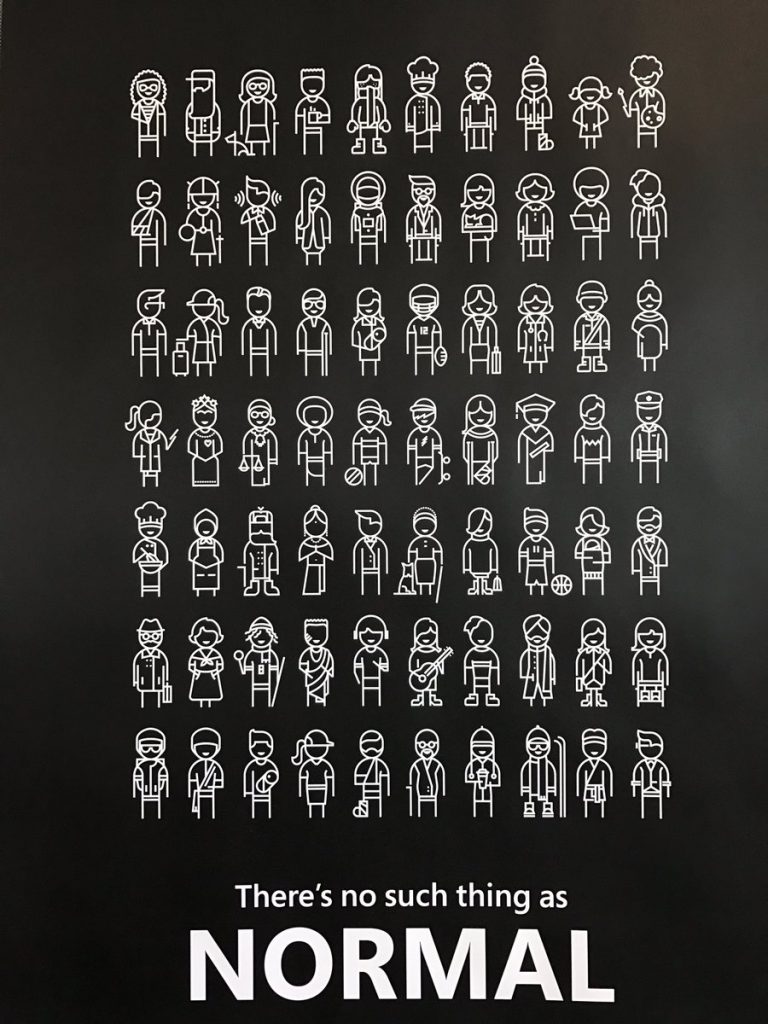
1. Recognize Exclusion
“Exclusion happens when we solve problems using our own biases. Seek out exclusions as opportunities to create new ideas and inclusive designs.” (Holmes, 2019)
Think about the ‘edge cases’ in your learning group, the people with needs that are outside of the usual range. What design choices will exclude or impair their ability to access your learning environment? What choices could you make to remove or mitigate those barriers?
2. Solve for One, Extend to Many
“Designing for people with disabilities actually results in designs that benefit people, universally” (Holmes, 2019)
The primary use case for closed captioning in video is people with hearing impairments. But research shows that it also helps people learning the language, people listening with the sound off, and people who need more time to process information (Gernsbacher, 2015). The accessibility you build into your learning design creates a better learning experience for everyone.
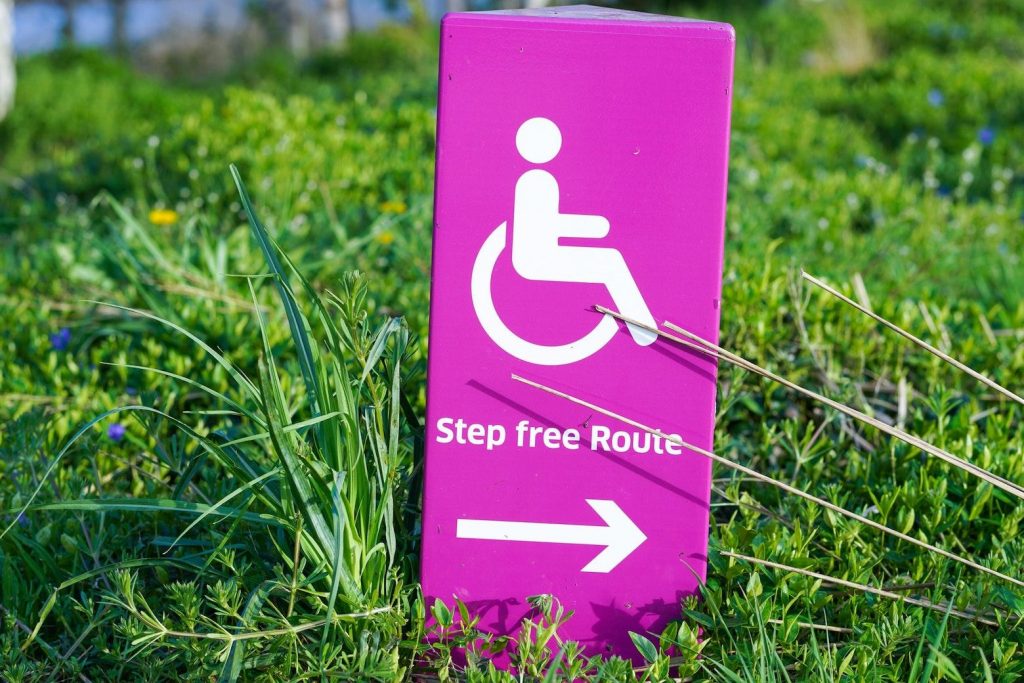
3. Learn from Diversity
“Human beings are the real experts in adapting to diversity. Inclusive design puts people at the center at the very start of the process.” (Holmes, 2019)
If you have the opportunity to test out your media/multimedia project, look for diversity in your test group. Learn from the experts – the people who are already adapting to a world not designed for them. What adaptive tools and technologies are they using? How can you design your media or multimedia learning project to work most effectively with them? Or can you design it in such a way that those adaptive tools are not needed?
These design principles have been adopted by Microsoft and other technical designers and engineers to avoid excluding users from their environments. Keep them in mind as you build your own media and multimedia to ensure that they include a wider range of learners.
Universal Design for Learning (UDL)
Universal Design for Learning is a framework that grew out of research in cognitive neuroscience and the learning sciences, including some of the research on Cognitive Load and the Cognitive Theory of Multimedia Learning that we’ve been exploring. The framework promotes the use of flexible learning environments and learning spaces designed to accommodate a wider range of learner needs. Like the inclusive design principles, the research shows that this flexible learning design results in a better learning experience for all learners.
How do these guidelines apply to interactive and multimedia learning?
Engagement
Building user controls into media and multimedia players gives learners control over the speed and sequence of their learning, optimizing individual choice and autonomy. Removing extraneous load, applying Mayer’s principles, removes distractions. You can build collaboration into your use of media and multimedia by creating assignments and activities that engage a group and by using tools that allow for sharing and connection. You can create learning objects and lessons that reflect authentic learning and give meaningful feedback to support mastery. And finally, you can use media and multimedia platforms as a reflection tool to promote self-assessment skills.
Representation
Providing alt tags, captions and transcripts and providing user controls such as speed, rewind, and next buttons, gives learners the opportunity to customize their learning and provides alternative visual and auditory channels to process information. Structuring your content so that key terms and concepts are highlighted and connected will create better learning outcomes.
You may notice in this course that we define the meaning of key terms like multimedia and interactivity up front and use multiple media types to explore content. We also refer back to principles and concepts that we’ve already covered, or you may have seen before, in order to activate background knowledge, and highlight the patterns, big ideas and relationships between concepts. This is also Mayer’s principles at work, helping you manage the intrinsic cognitive load of the learning in this course.
Action and Expression
With media production tools becoming more and more accessible, allowing students to express their ideas and construct and compose assignments through multiple means, such as text, audio, video and images, can more easily be accommodated.
You may also notice that the To Do lists and the structure of these modules help to support executive function by helping you with your planning and information management. By exploring and using a variety of tools in this course, we are helping you build fluency and providing support for practice and performance.
UDL guidelines offer a powerful framework for a learner-centred approach to design that creates better learning experiences for everyone. You may likely find yourself returning to the UDL resource again and again.
Universal Design for Learning Guidelines Website
Practical Design Choices
So how do we incorporate these inclusive principles into our design choices as we create blog posts, screencasts, videos and other multimedia content? Web Content Accessibility Guidelines are widely accepted standard to ensure accessibility on websites.
Additionally, here are a few promising practices to start with:
Text
- Use a simple, sans serif font that’s easy to read
- Use plain language and avoid unnecessary jargon
- Follow grammatical rules and use upper and lower case appropriately
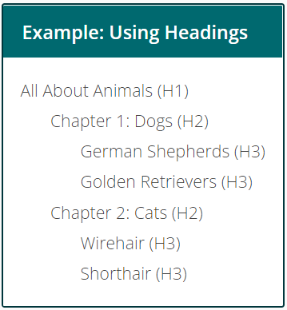
- Use HTML for headings and subheadings instead of bold or underline or centering
- Use descriptive links rather than spelling out a full URL (i.e., EDCI 337 course site vs. https://edtechvic.ca/edci337)
- Don’t use colour as an organizing tool on your page
- Ensure that there is enough contrast between the text colour and the background
Video
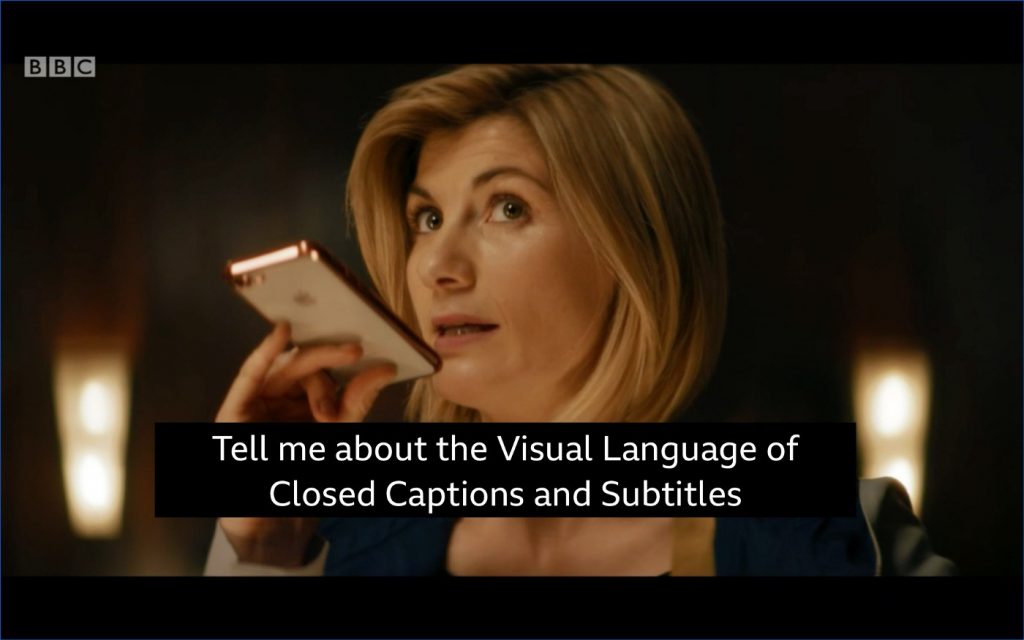
- Add captions and edit them for accuracy.
- Add descriptions of visual elements in the video.
- Download a transcript of your video and add it to your page.
- Give users full playback controls so that they can control the pace and rewind as needed.
- Use streaming servers for your video that can adapt to varying bandwidths
Images
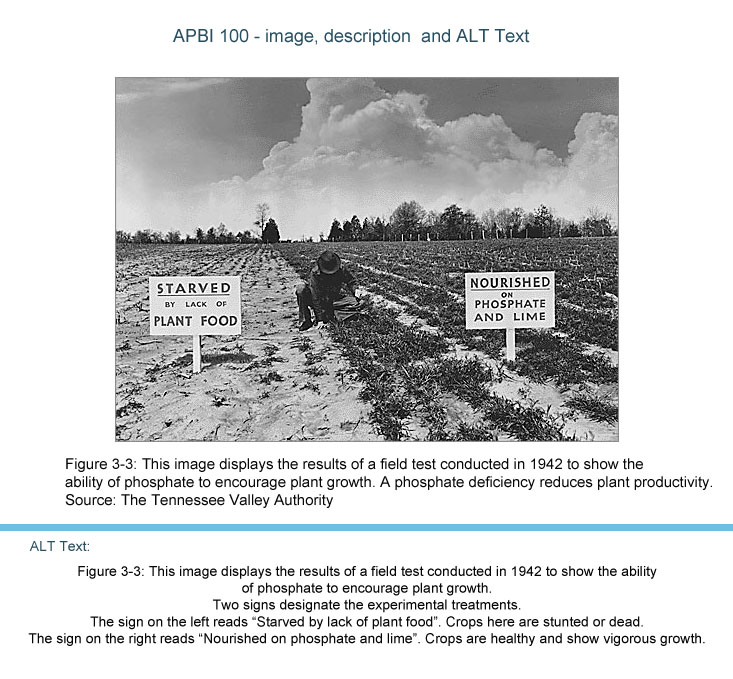
- Always include alt text when you add an image to your page if the image is not decorative.
- Make sure that the alt text is descriptive and useful to someone who can’t see the page.
- If the image contains text, include that in the alt text or consider putting the text elsewhere where a screen reader can read it.
There are many more design considerations that could be included in this list but this is a good place to start.
Reflection Questions
These questions are here to prompt your thinking about the content. Hint: you can elaborate in your substantive post.
- What does accessibility mean within learning, inclusion, and design?
- How does accessibility shape multimedia and interactive learning environments?
- What does inclusive design mean to you?
- What role do you think media and multimedia can play in a learning environment designed with UDL guidelines in mind? Which of the promising practices for text, images and video are in alignment with these guidelines?
- Graphic design is inherently visual – what additions or modifications could you make to ensure that learners with visual impairments have access to the same information?
References
Ready for a deeper dive into these concepts and ideas? Check out these resources below:
Creative Commons Licensed Workshop Curriculum | UVic Libraries Digital Scholarship Commons. (n.d.). Retrieved Sept 28, 2022, from https://oac.uvic.ca/dsc/workshops/lessonplans/
Cahill, Caitlin, How to Make Text Accessible to People with Disabilities : Caitlin Cahill, from The Geek You Need, Retrieved [22/09/2022]
Gernsbacher MA.(2015) Video Captions Benefit Everyone. Policy Insights Behav Brain Sci. 2015 Oct;2(1):195-202. doi: 10.1177/2372732215602130. Epub 2015 Oct 1. PMID: 28066803; PMCID: PMC5214590.
Holmes, K. (2020). Mismatch: How inclusion shapes design. MIT Press.
Inclusive Design (2018) Microsoft Design Principles
This has been adapted from Mary Watt’s post: https://edtechuvic.ca/edci337/2023/09/24/module-2-design-principles-for-effective-and-accessible-multimedia-oct-1-14/